How to Spot Fake Security Emails From Banks
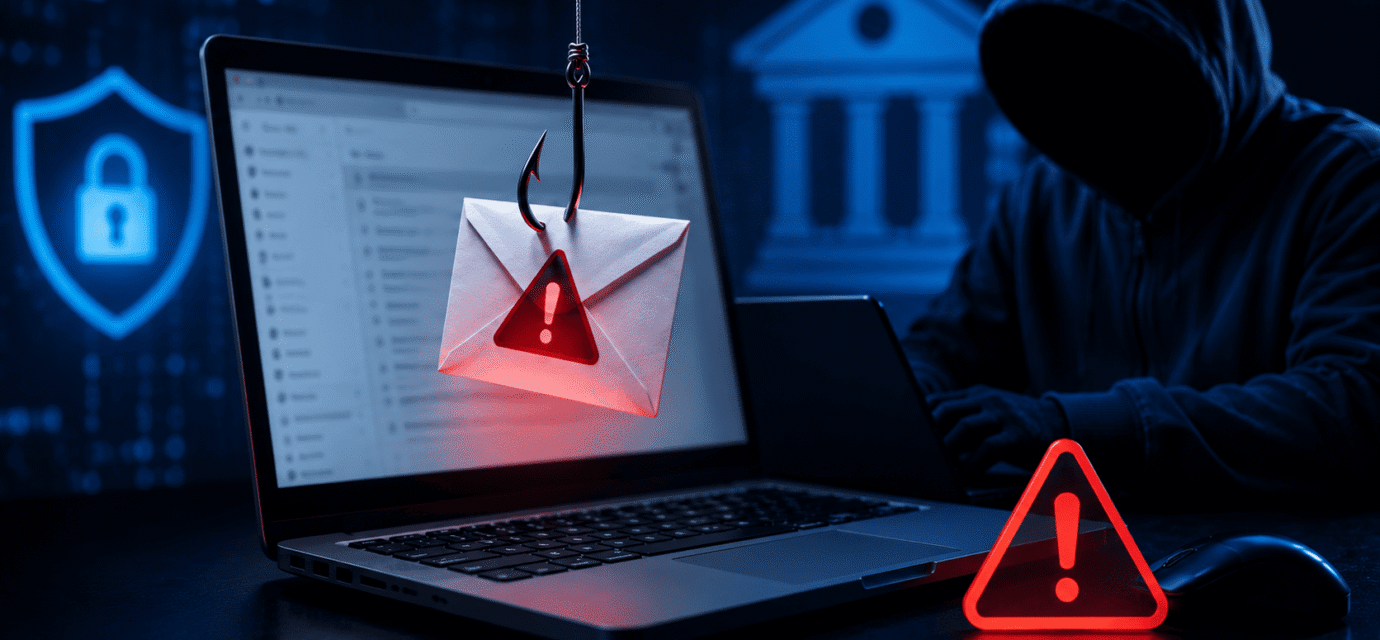
Online banking has made managing money more convenient than ever, but it has also created new opportunities for cybercriminals. One of the most common tactics used by hackers today is sending fake security emails that appear to come from legitimate banks. These emails are designed to trick customers into revealing sensitive information such as account passwords, credit card numbers, verification codes, and personal details.
Many of these scams look highly convincing. They often use official logos, professional designs, and urgent language that creates panic and pressure. As a result, thousands of people fall victim to banking phishing scams every year.
Understanding how fake bank security emails work can help you recognize threats before they compromise your financial information.
What Are Fake Bank Security Emails?
Fake bank security emails are fraudulent messages sent by cybercriminals pretending to be your bank or financial institution.
The goal is usually to convince you to:
- Click a malicious link
- Download infected files
- Enter banking credentials
- Provide personal information
- Approve fraudulent transactions
These attacks are commonly known as phishing scams because attackers attempt to “fish” for sensitive information by pretending to be trustworthy organizations.
Why Hackers Use Bank Security Scams
Banks are trusted institutions, and customers are naturally concerned about the security of their money.
Hackers exploit this trust by sending emails that claim:
- Your account has been locked
- Suspicious activity was detected
- A login attempt was blocked
- Your payment information needs updating
- Immediate verification is required
These messages create fear and urgency, making victims more likely to act without thinking carefully.
Warning Sign #1: Urgent or Threatening Language
One of the biggest red flags is urgency.
Scammers often use alarming messages such as:
- “Your account will be suspended today.”
- “Immediate action required.”
- “Unauthorized login detected.”
- “Verify your account within 24 hours.”
Their goal is to create panic so that you click before verifying the email’s legitimacy.
Legitimate banks may send security notifications, but they rarely threaten immediate account closure through email.
Whenever an email creates intense pressure to act quickly, proceed with caution.
Warning Sign #2: Suspicious Sender Email Addresses
Many phishing emails appear legitimate at first glance, but the sender’s email address often reveals the truth.
For example:
Legitimate:
support@yourbank.com
Suspicious:
support@yourbank-security.com
Or:
Cybercriminals frequently use addresses that look similar to real domains but contain extra words, unusual spellings, or unfamiliar extensions.
Always check the complete sender address, not just the display name.
Warning Sign #3: Generic Greetings
Legitimate banks usually know your name.
Many phishing emails begin with generic greetings such as:
- Dear Customer
- Dear User
- Valued Client
- Account Holder
While not every generic greeting indicates fraud, it can be a warning sign.
Banks often personalize communications using your registered name.
If an email claiming to be from your bank does not address you properly, examine it more carefully.
Warning Sign #4: Requests for Sensitive Information
A major red flag is any request for confidential information.
Banks generally do not ask customers to provide:
- Passwords
- PIN numbers
- Full card numbers
- Security codes
- One-time authentication codes
through email.
If an email asks for this information, it is almost certainly a scam.
Legitimate banks already have access to your account details and do not need you to send them through email.
Warning Sign #5: Suspicious Links
Many phishing attacks rely on fake websites that mimic legitimate banking portals.
Before clicking any link:
- Hover your mouse over it
- Examine the destination address
- Look for unusual domains
For example:
Legitimate:
www.yourbank.com
Fake:
www.yourbank-security-login.com
Or:
www.secure-yourbank-update.net
Even if the webpage looks identical to your bank’s website, entering credentials could send them directly to criminals.
Whenever possible, type your bank’s website address manually into your browser instead of clicking email links.
Warning Sign #6: Poor Grammar and Spelling
Many phishing campaigns originate from criminal groups operating internationally.
As a result, scam emails often contain:
- Spelling mistakes
- Awkward wording
- Grammar errors
- Strange formatting
Examples include:
“Your account have been suspended.”
“Please verify your informations immediately.”
Large financial institutions usually have professional communication teams that review customer emails carefully.
Obvious language mistakes should raise suspicion.
Warning Sign #7: Unexpected Attachments
Fake security emails sometimes include attachments disguised as:
- Account statements
- Security reports
- Verification forms
- Transaction receipts
Opening these files can install malware on your device.
Malware may:
- Record passwords
- Capture banking information
- Monitor activity
- Provide hackers remote access
Never open unexpected attachments from emails claiming to be from your bank.
If you need account information, access it directly through your bank’s official website or mobile app.
Warning Sign #8: Requests to Download Software
Some scams claim that customers must install security updates or verification software.
Legitimate banks generally do not require customers to install software through email links.
Downloading unknown programs can lead to:
- Malware infections
- Banking trojans
- Credential theft
- Device compromise
If a security email asks you to download software, verify the request through official bank channels first.
What Happens If You Click a Phishing Email?
Not every click immediately compromises an account, but the risks increase significantly.
Potential consequences include:
- Stolen login credentials
- Malware infections
- Identity theft
- Unauthorized transactions
- Credit card fraud
In many cases, stolen credentials are later sold on dark web marketplaces where other criminals purchase them for fraud and financial crimes.
How to Verify a Security Email
If you receive a suspicious email:
Do Not Click Anything
Avoid clicking links or downloading attachments.
Contact Your Bank Directly
Use the phone number listed on your bank card or official website.
Log In Manually
Open your browser and visit the bank’s website yourself.
Check Your Account Activity
Review recent transactions for suspicious activity.
Report the Email
Many banks maintain dedicated addresses for reporting phishing attempts.
How to Protect Yourself
To reduce your risk:
- Enable two-factor authentication
- Use strong passwords
- Monitor account activity regularly
- Keep devices updated
- Use reputable antivirus software
- Avoid public Wi-Fi for banking
- Stay informed about new scams
Cybercriminals continuously evolve their tactics, but awareness remains one of the most effective defenses.
Final Thoughts
Fake security emails from banks are among the most common forms of online fraud today. These scams are designed to create fear, urgency, and trust in order to steal sensitive financial information.
By learning to recognize suspicious sender addresses, urgent requests, fake links, poor grammar, and requests for confidential information, you can significantly reduce your chances of becoming a victim.
Remember: when in doubt, never click. Contact your bank directly through official channels and verify any security alerts before taking action. A few extra minutes of caution can protect your bank account, personal information, and financial future.
Recommended Articles
 How to Protect Your Bank Account From Dark Web Hackers Part : 3
 How to Protect Your Bank Account From Dark Web Hackers Part : 2
 How to Protect Your Bank Account From Dark Web Hackers Part : 1
 how to protect your bank account from dark web hackers
 How Scammers Use Fake Bank Alerts to Steal Money
 How Credit Card Fraud Happens Without Your Card Being Stolen