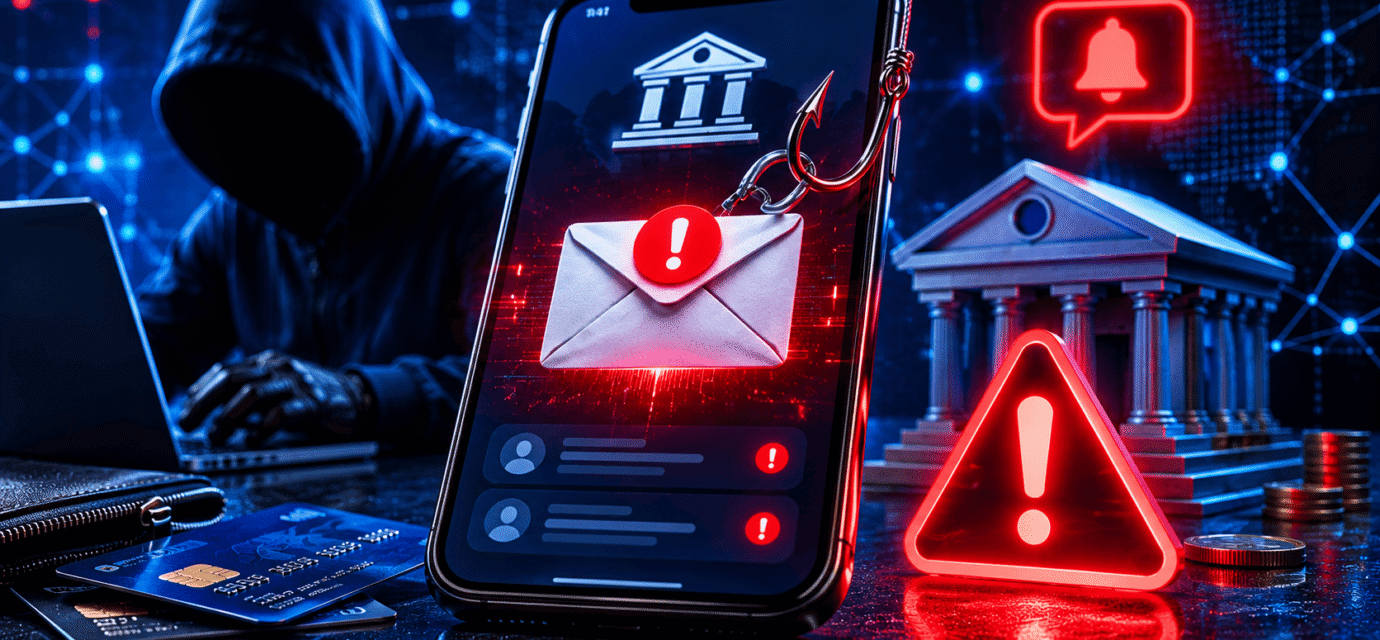
How Scammers Use Fake Bank Alerts to Steal Money
In today’s digital world, banks frequently send alerts to customers about account activity, login attempts, transactions, and security updates. These alerts help protect customers from fraud and keep them informed about their finances. Unfortunately, cybercriminals have learned how to exploit this trust by creating fake bank alerts designed to trick people into revealing sensitive information or sending money directly to scammers.
Fake bank alerts have become one of the most common forms of financial fraud worldwide. Every day, thousands of people receive fraudulent emails, text messages, and phone calls claiming to be from their bank. Many victims believe the alerts are legitimate and unknowingly provide information that allows criminals to access their accounts.
Understanding how these scams work can help you avoid becoming the next victim.
What Are Fake Bank Alerts?
Fake bank alerts are fraudulent messages that pretend to come from a legitimate financial institution.
These alerts may arrive through:
- SMS text messages
- Phone calls
- Social media messages
- Messaging apps
The goal is usually to create fear or urgency so the victim acts without thinking carefully.
Scammers often claim:
- Suspicious activity has been detected.
- Your account has been locked.
- A login attempt occurred from another country.
- Your debit card has been suspended.
- A large transaction requires verification.
The message is designed to make the recipient panic and respond immediately.
Why Fake Bank Alerts Are Effective
Scammers understand that people care deeply about their money.
When someone receives a message saying their bank account may be compromised, their natural reaction is concern.
Criminals take advantage of this emotional response by creating alerts that seem urgent and convincing.
Many fake alerts include:
- Official bank logos
- Professional formatting
- Customer service numbers
- Account security warnings
- Links to realistic-looking websites
At first glance, the alerts often appear genuine.
Scam Method #1: Fake Security Verification Pages
One of the most common tactics involves directing victims to a fake banking website.
The alert may say:
“Suspicious activity detected. Verify your account immediately.”
The message includes a link that appears to lead to the bank’s website.
However, the link actually sends victims to a fraudulent page controlled by scammers.
Once there, victims may be asked to enter:
- Online banking usernames
- Passwords
- Debit card numbers
- Security questions
- One-time verification codes
The information is instantly sent to the criminals.
Scam Method #2: Fake Fraud Department Calls
Some scams begin with a text message followed by a phone call.
The victim receives an alert stating:
“Unusual activity detected. Contact our fraud department immediately.”
When the victim calls, a scammer answers while pretending to be a bank representative.
These fraudsters often sound professional and knowledgeable.
They may ask for:
- Account numbers
- PIN codes
- Verification codes
- Online banking credentials
Because the caller appears helpful, many victims willingly provide the information.
Scam Method #3: Fake Transaction Reversal Scams
In this scam, victims receive an alert about a transaction they supposedly did not authorize.
The message might say:
“$1,200 payment detected. Reply NO if this was not you.”
When the victim responds, the scammer begins a conversation.
They then claim they can reverse the transaction if the victim verifies account information.
In reality, no transaction occurred.
The alert was simply bait designed to start communication.
Scam Method #4: Malware Links
Some fake bank alerts contain malicious links instead of fake login pages.
When clicked, these links may download malware onto the victim’s device.
The malware can:
- Record passwords
- Capture banking credentials
- Monitor activity
- Access saved information
Some advanced malware specifically targets online banking sessions.
Victims often have no idea their devices have been compromised.
Scam Method #5: Fake Mobile Banking Updates
Cybercriminals sometimes send alerts claiming customers must install a security update.
The message may state:
“Important banking update required to continue using mobile banking.”
The provided link installs a malicious application rather than a legitimate update.
Once installed, the fake app can:
- Steal login credentials
- Intercept verification codes
- Monitor banking activity
- Gain remote access to the device
Warning Signs of Fake Bank Alerts
While scammers continue improving their tactics, many fake alerts still contain warning signs.
Look for these red flags:
Urgent Language
Messages demanding immediate action should raise suspicion.
Examples include:
- Act now
- Immediate verification required
- Account suspension pending
- Respond within 24 hours
Suspicious Links
Always examine links carefully before clicking.
Scammers often use web addresses that resemble legitimate bank domains but contain extra words or unusual spellings.
Requests for Sensitive Information
Legitimate banks generally do not ask customers to provide:
- Passwords
- PIN numbers
- Full card details
- Verification codes
through email or text messages.
Generic Greetings
Messages addressed as:
- Dear Customer
- Valued User
- Account Holder
can be warning signs of phishing attempts.
Spelling and Grammar Errors
Many scam messages contain unusual wording, spelling mistakes, or formatting problems.
Professional banks typically maintain higher communication standards.
What Happens After Information Is Stolen?
Once scammers obtain banking credentials, they may:
- Access online banking accounts
- Transfer funds
- Make unauthorized purchases
- Open accounts in the victim’s name
- Sell information on dark web marketplaces
In some cases, criminals work quickly and drain accounts within hours.
This is why rapid detection is critical.
How to Protect Yourself
Protecting yourself from fake bank alerts requires caution and awareness.
Never Click Links in Unexpected Messages
Instead of clicking links, manually visit your bank’s website using your browser.
Enable Two-Factor Authentication
Two-factor authentication adds an additional security layer even if passwords become compromised.
Verify Alerts Directly With Your Bank
If you receive a suspicious message, contact your bank using the phone number printed on your card or listed on the official website.
Monitor Account Activity
Review transactions regularly and enable instant account notifications.
Keep Devices Updated
Install software and security updates to reduce vulnerabilities that malware can exploit.
Use Antivirus Protection
Reliable security software can help detect malicious downloads and dangerous websites.
What to Do If You Fall for a Fake Bank Alert
If you believe you interacted with a scam:
- Contact your bank immediately.
- Change your online banking password.
- Freeze affected cards if necessary.
- Review recent transactions.
- Enable additional security measures.
- Scan your devices for malware.
- Monitor accounts closely for suspicious activity.
Quick action can often prevent further financial losses.
Final Thoughts
Fake bank alerts have become one of the most effective tools used by cybercriminals to steal money and personal information. By creating fear and urgency, scammers convince victims to reveal sensitive data or install malicious software.
Fortunately, understanding how these scams work makes them much easier to recognize. If you receive a suspicious banking alert, stay calm, verify the message directly with your bank, and never provide sensitive information through links or unsolicited messages.
A few moments of caution can prevent significant financial losses and protect your bank account from fraud.
Recommended Articles
 How to Protect Your Bank Account From Dark Web Hackers Part : 3
 How to Protect Your Bank Account From Dark Web Hackers Part : 2
 How to Protect Your Bank Account From Dark Web Hackers Part : 1
 How to Spot Fake Security Emails From Banks
 how to protect your bank account from dark web hackers
 How Credit Card Fraud Happens Without Your Card Being Stolen